

In the dominating age of technology, keyboard typing is one of the essential skills. So why not let your child practice this skill at home with programming learning software designed for children to improve keyboard typing? Instead of letting your child play games, they can learn keyboard typing with these 5 typing software for children!
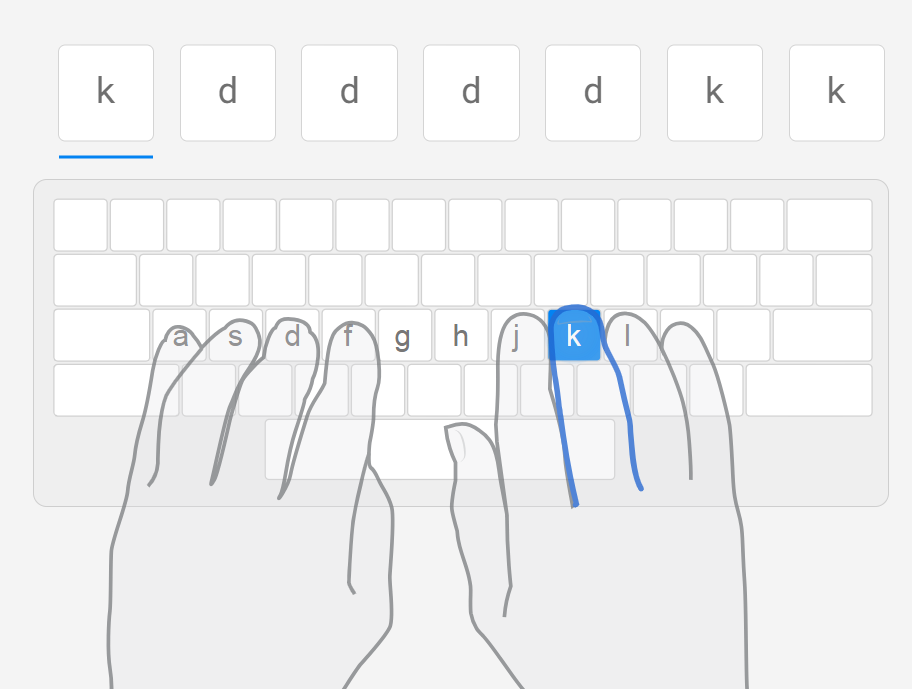
TypingClub is not just a regular typing training software. It is also a versatile educational tool, especially useful for introducing programming to children. Learning keyboard typing with TypingClub, a software specifically designed for children, helps them develop typing skills on a child-friendly platform. TypingClub has become an ideal destination for parents who want to combine education and entertainment for their children.
5 typing software for children
Multi-level learning: TypingClub provides lessons at various levels, suitable for beginners to advanced learners. It helps children progress from basic to advanced levels, fostering skill development.
Interaction and monitoring: This tool not only allows flexible interaction for children but also enables parents and teachers to monitor progress through tracking features.
Child-friendly interface: The friendly and engaging interface of TypingClub helps children not only learn but also experience an enjoyable learning process.
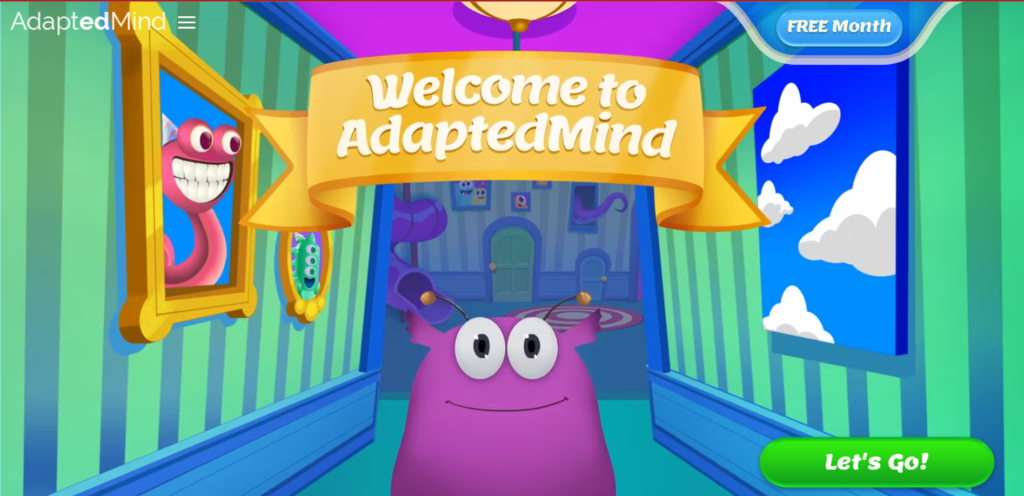
Dance Mat Typing, an educational product from the BBC, is not just a regular keyboard typing software but also an entertaining and ideal playground for introducing programming to children. With the goal of combining education and entertainment, Dance Mat Typing provides a unique and enjoyable learning experience.
Designed with vivid images and lively sounds, Dance Mat Typing uses a gaming approach to help children understand the keyboard typing process and basic programming concepts in a creative and engaging way.
5 typing software for children
Child-friendly design: Dance Mat Typing is specially designed for children aged 7-11. It creates an interesting and stimulating learning environment for children.
Learning through images and sound: Using vibrant images and sounds, the software is programmed to help children easily understand and remember keyboard typing finger movements.
Gradual level-based learning: Dance Mat Typing offers lessons from basic to advanced levels, helping children develop step by step and increase their typing speed over time.
Learning support: Dance Mat Typing supports the keyboard typing learning process with clear instructions, assessment tests, and instant feedback, boosting children's confidence in keyboard usage.
Encouraging interaction: Interactive activities, such as typing in groups of letters or sentences, make keyboard typing learning fun and challenging for children.
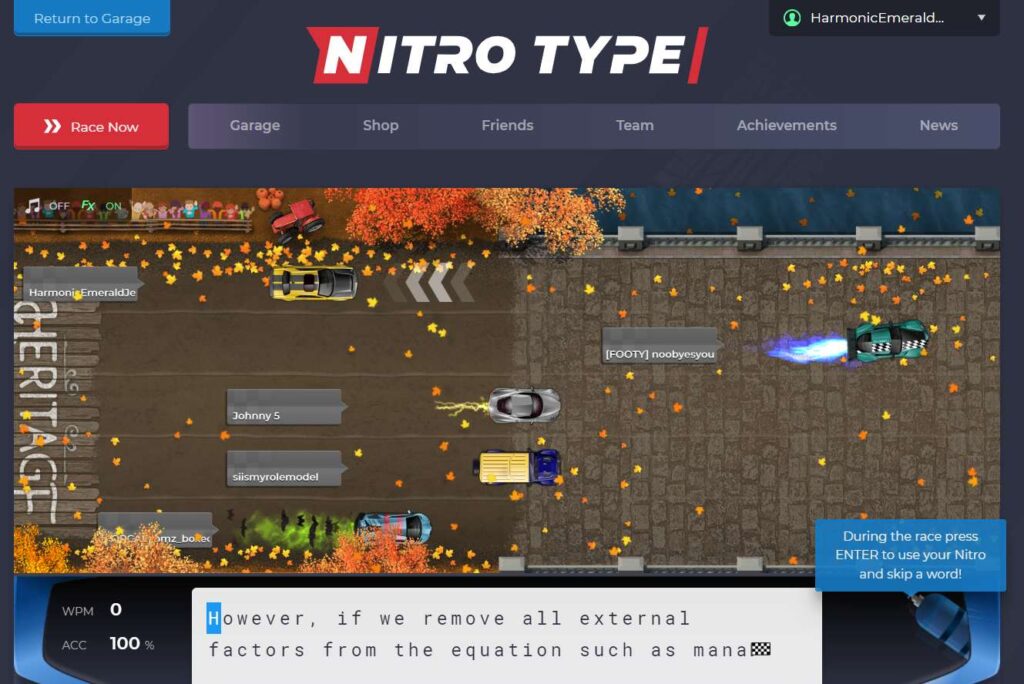
Nitro Type is not just a free racing game but also an educational app. Nitro Type is specially programmed for children to improve keyboard typing skills in a fun and effective way. With an online interface and integrated educational features, Nitro Type not only provides an exciting racing experience but also helps children develop better keyboard typing skills.
5 typing software for children
Natural keyboard typing learning: Nitro Type combines entertainment and education, helping children improve keyboard typing skills naturally and enjoyably.
Creative keyboard typing learning features: With learning features like progress tracking and viewing accurate typing scores, children can track and improve their typing skills every day.
Learning keyboard typing through racing games: Racing in Nitro Type is not just about winning but also an opportunity to develop and boost typing speed.
Active and safe community: Children can join the global racing community safely, meet and compete with same-aged opponents.
Touch Typing is keyboard typing training software for children aged 6 and older. This software has an intuitive, easy-to-understand, and easy-to-use interface, making it easy for children to access and learn. Touch Typing provides keyboard typing lessons at various levels, from basic to advanced. Additionally, the software includes various games to make learning fun and effective.

5 typing software for children
Level-based keyboard typing lessons: Touch Typing offers keyboard typing lessons from basic to advanced, suitable for all skill levels. Besides different levels, Touch Typing also has interactive games to stimulate children's learning enthusiasm.
Stimulating thinking skills and focus: With a visual, clear, and clean interface, children can easily understand what they need to do. It helps children focus on controlling their fingers while typing.
Typing.com is a free typing training website for all ages. This software provides keyboard typing lessons at various levels, from basic to advanced. Additionally, Typing.com has many training games to help children learn keyboard typing in a fun and effective way.

5 typing software for children
Level-based keyboard typing lessons: Typing.com provides keyboard typing lessons from basic to advanced, suitable for learners of all skill levels. The lessons are designed in a game format, making it easy for learners to understand and remember.
Interactive training games: Typing.com offers various interactive games to make keyboard typing learning enjoyable and effective. These games are designed with different levels to match learners' skill levels.
Learning progress tracking: Typing.com helps learners track their learning progress, allowing them to adjust their study plans accordingly.