

With the desire to spread the dream of coding to more children, Algorithmics organizes 2 special courses for students of VAS. Through these courses, children not only gain access to a globally standardized international education but also accumulate many important skills, creating opportunities for diverse future career paths!
Algorithmics Teaching Methodology places a strong emphasis on delivering high-quality education through a structured approach:
Qualified Teachers: Our teachers are composed of certified professionals from Algorithmics, ensuring a standard of excellence in education.
Teaching Assistants: Dedicated teaching assistants play a crucial role in providing support and fostering student engagement, creating a positive learning environment.
Learning Platform: Our platform is designed to offer a personalized learning experience, allowing students to progress at their own pace. It provides endless practice opportunities to solidify understanding, all while ensuring a fun and engaging educational experience.
Student-Centered: At the core of our approach is a commitment to student-centered learning. We believe in active participation and practice for every student, tailoring the educational journey to individual needs and preferences. This ensures that each student receives the attention and guidance necessary for their academic success.
Introduction: 5 minutes
Teacher greets students, introduces the agenda for the lesson, relates application of learned skill to real world.
Group Discussion: 10 minutes
Students discuss topic area in more detail and explore creative options. Teacher reviews discussion to share ideas.
Demonstration: 10 minutes
Teacher demonstrates how to apply learned skill and models what students are expected to do.
Practice: 30 minutes
Students practice skill through teacher modelling and staged platform progression. Moving from structured to independent practice. Teacher monitors, corrects and encourages students.
Review: 5 minutes
Students Log out and shut down computers. Teacher reviews key concepts and challenges from the lesson.
Age: 7-12
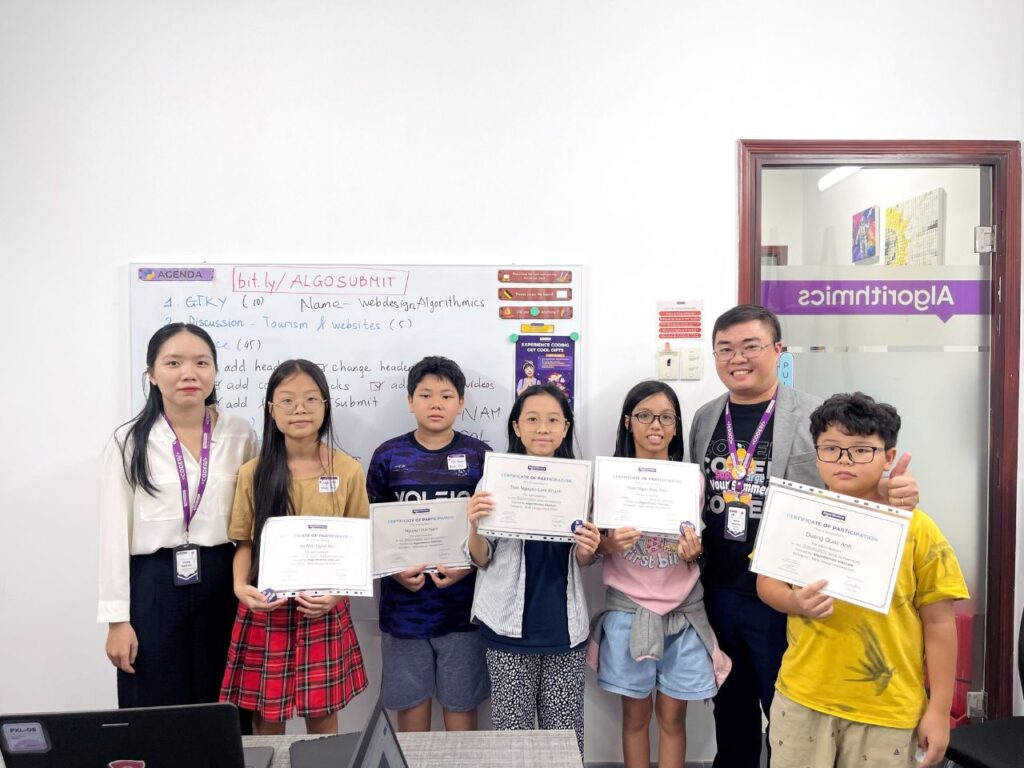
VAS students will all enter a competition to build the best website over the 10 week course. Entrants will be judged on overall design, features, functionality, layout and uniqueness. Winners and runners up will receive cool prizes.
This course allows students to look into the future of digital and AI usage for education and work. Starting with understanding the process of safe web research students then create their own website, which is used to hold a portfolio of projects through the rest of the course demonstrating their skills.
They engage design and architecture skills through software and AI. Then they practice using AI writing and video making skills. On the final day, we combine these tech skills with soft skills to present their learning achievements and announce the winners and runners up of the competition.
Lesson 1: Introduce about AI
Lesson 2: Create your first website
Lesson 3: Use Graphic Editor to create images
Lesson 4: Use AI Writer - Bing.com to create descriptions
Lesson 5: Use AI Designer - PlaygroundAI to create images with AI effects
Lesson 6: Use AI Tech - Planner5D to build a structure
Lesson 7: Create your first slides in Canva
Lesson 8: Create your first video in Canva
Lesson 9: Finalize and practice for presentation
Lesson 10: Graduation and prize giving
Age 8-13
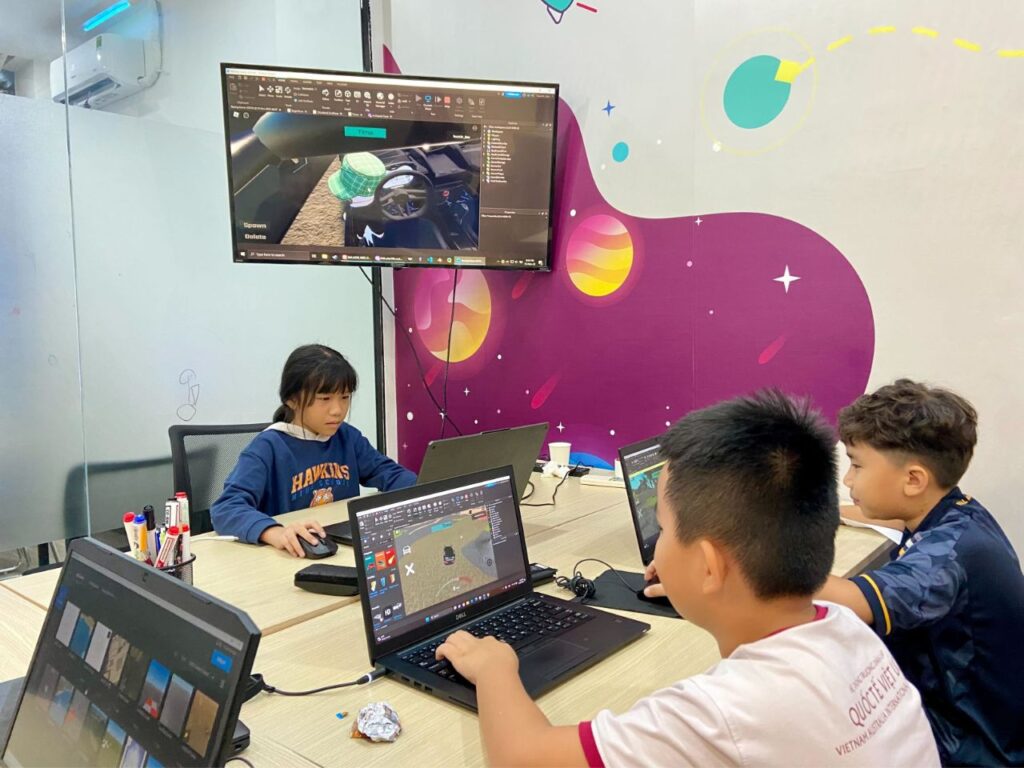
Over 10 weeks students will try to build the best Obby game possible (Judged on completeness of project, use of features, playability and creativity). Through this, they understand the process of developing 3D games and adding features using the Roblox Studio. They learn to use platform tools and create moving parts. Once the game is published, it can be shared with friends and family. On the final day, students will play each others’ games and the best game creators will be awarded cool prizes.
Lesson 1: Introduction to Roblox Studio and user interface
Lesson 2: Alter material properties
Lesson 3: Create a basic platform game
Lesson 4: Game mechanics to create rotating platforms
Lesson 5: Using coding scripts for dynamic objects
Lesson 6: Dynamite objects and skills integration
Lesson 7: Negate and union - using empty space
Lesson 8: Terrain and landscape development
Lesson 9: Falling objects, teleporting and game completion
Lesson 10: Graduation and Competition results